 remb
remb

[Runtime
](../../../index.md)[Package Manager
](../../../pm/cli/install/index.md)[Bundler
](../../../bundler/index.md)[Test Runner
](../../../test/index.md)[Guides
](../../index.md)[Reference
](https://bun.com/reference)[Blog
](https://bun.com/blog)[Feedback
](../../../feedback/index.md)
Next.js is a React framework for building full-stack web applications. It supports server-side rendering, static site generation, API routes, and more. Bun provides fast package installation and can run Next.js development and production servers.
1
[
](#)
Create a new Next.js app
Use the interactive CLI to create a new Next.js app. This will scaffold a new Next.js project and automatically install dependencies.
terminal
bun create next-app@latest my-bun-app
2
[
](#)
Start the dev server
Change to the project directory and run the dev server with Bun.
terminal
cd my-bun-app
bun --bun run dev
This starts the Next.js dev server with Bun’s runtime.Open http://localhost:3000 with your browser to see the result. Any changes you make to app/page.tsx will be hot-reloaded in the browser.
3
[
](#)
Update scripts in package.json
Modify the scripts field in your package.json by prefixing the Next.js CLI commands with bun --bun. This ensures that Bun executes the Next.js CLI for common tasks like dev, build, and start.
package.json
{
  "scripts": {
    "dev": "bun --bun next dev",
    "build": "bun --bun next build",
    "start": "bun --bun next start",
  }
}
[
](#hosting)
Hosting
Next.js applications on Bun can be deployed to various platforms.
[
](#templates)
Templates
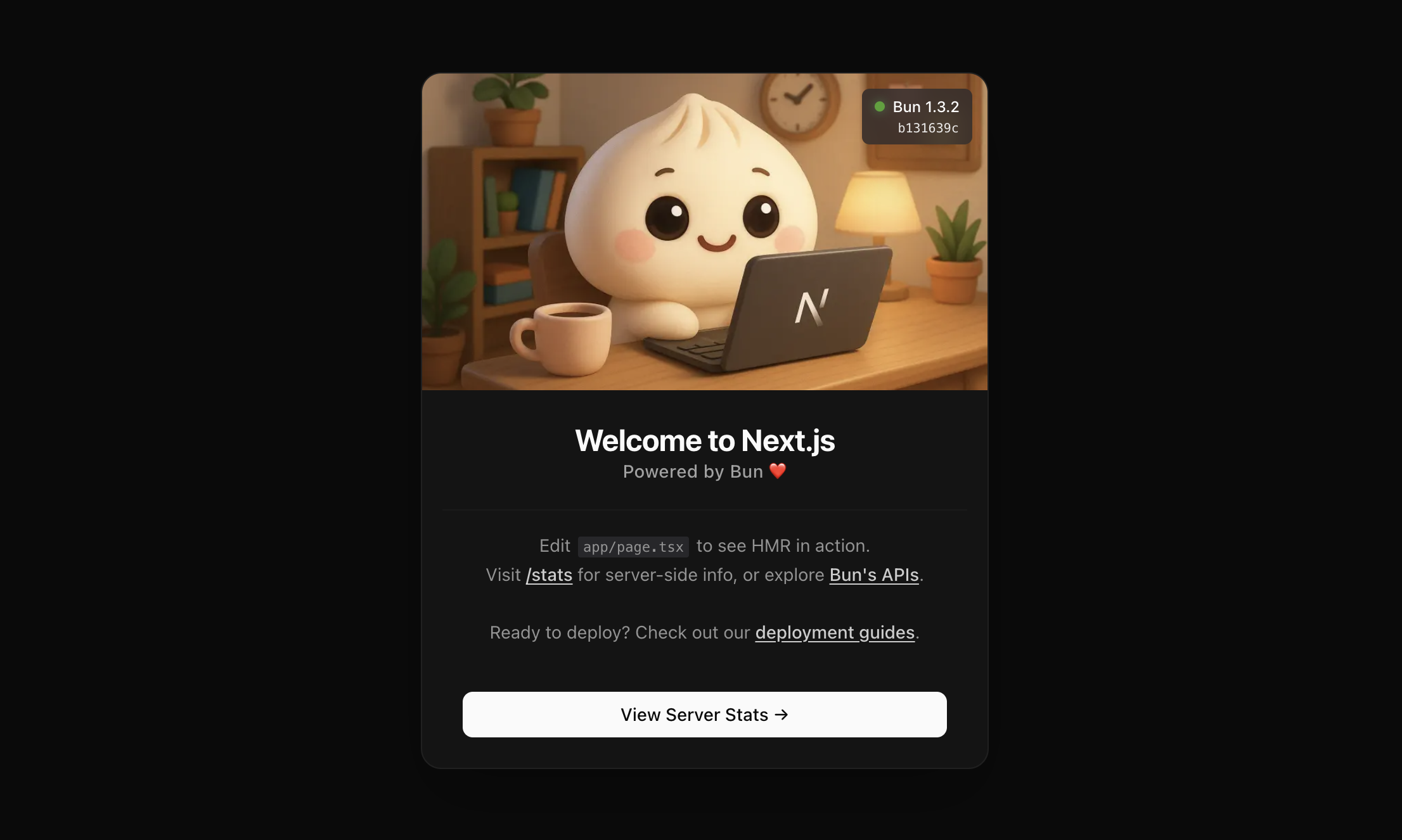

→ See Next.js’s official documentation for more information on building and deploying Next.js applications.
Was this page helpful?
[
Use Neon's Serverless Postgres with Bun
Previous
](../neon-serverless-postgres/index.md)[
Build an app with Nuxt and Bun
Next
](../nuxt/index.md)