 remb
remb
You might want to move an app to a new org to hand off your completed work to a client, to take advantage of a new pricing model, or to move a production app out of your personal organization.
You can move an entire app with its resources to another organization with the fly apps move command in flyctl, or using the App Settings page of the Dashboard. You’ll need to be a member of both organizations to move an app.
Move an app from one organization to another via the CLI:
fly apps move <app name> --org <target organization name>
Fly Postgres: You can’t use the fly apps move command for Fly Postgres apps. To move a Postgres app to another organization, create a new Postgres app under the target organization, and then restore the data from your current Postgres app volume snapshot.
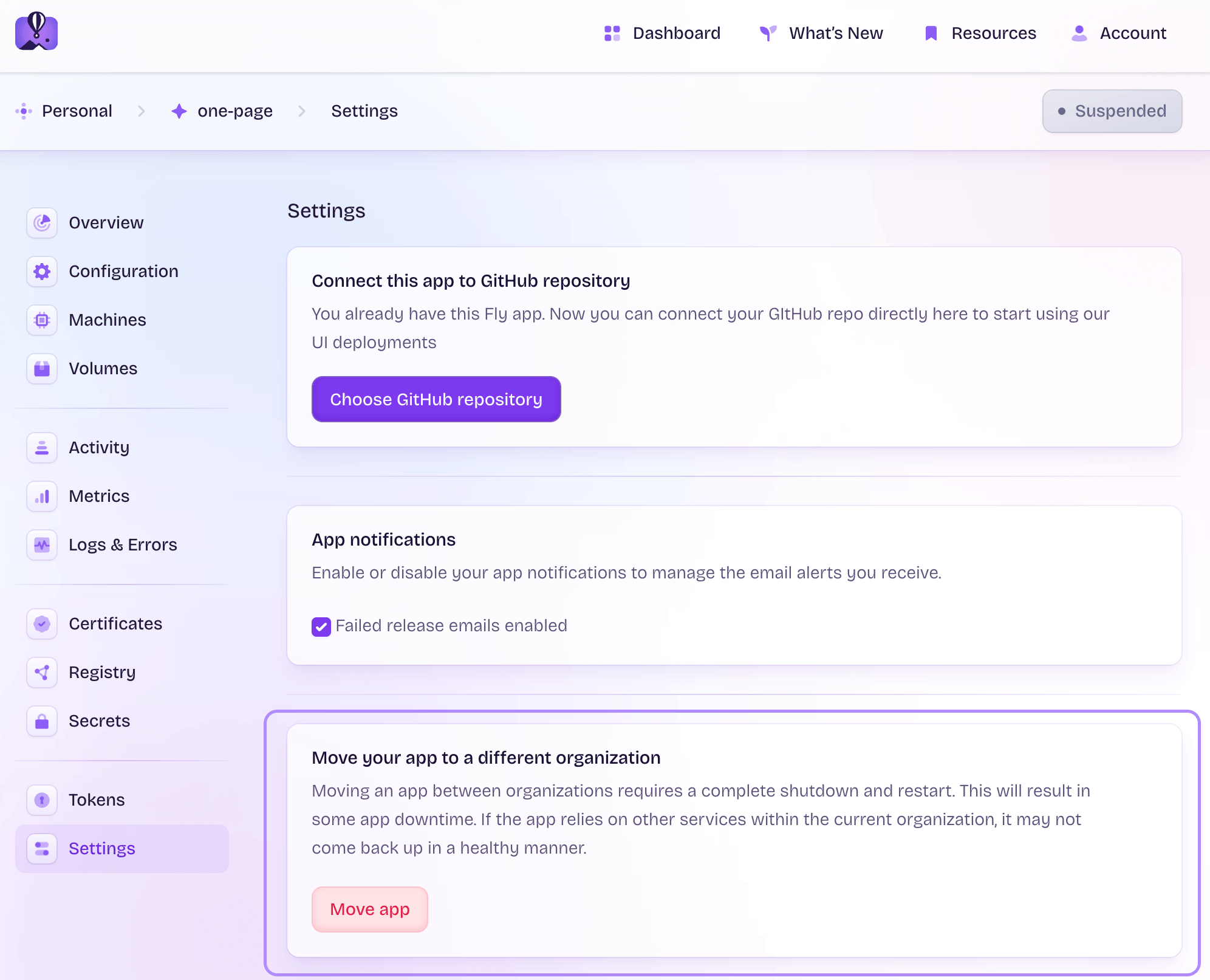
Move an app from one organization to another via the App Settings page:
Go to the App Settings page in your Dashboard, click Move app, pick the new organization, and wait for the deployment to finish. Your app will be up and running once the transfer is complete.
App downtime
Your app will have up to a few minutes of downtime while the move operation completes.
Resources moved with the app
The following app resources are transferred to the new org automatically:
- Fly Machines and Fly Volumes (including data)
- environment variables and secrets
- certificates and domain names
- LiteFS databases (when
$FLY_APP_NAMEis used for your Consul key inlitefs.yml)
Resources that you need to manually reconfigure
The following extension services need to be reconfigured for the app after the move:
- Upstash for Redis: Upstash Redis is only available over an organization’s private network. After you move the app, you’ll need to provision a new database for the new org.
- Tigris object storage: Before moving the app, you’ll need to delete the bucket, then recreate it in the new org and set the new secrets. Billing for the new bucket will be tied to the new org.