 remb
rembDocumentation Index
Fetch the complete documentation index at: https://resend.com/docs/llms.txt
Use this file to discover all available pages before exploring further.
A trigger is the first step in every Automation. It defines which event will start the Automation when received. When your application sends an event to Resend, every active Automation with a matching trigger will execute its workflow for that contact.
[
](#how-it-works)
How it works
Using the dashboard
The trigger is the first node in the editor.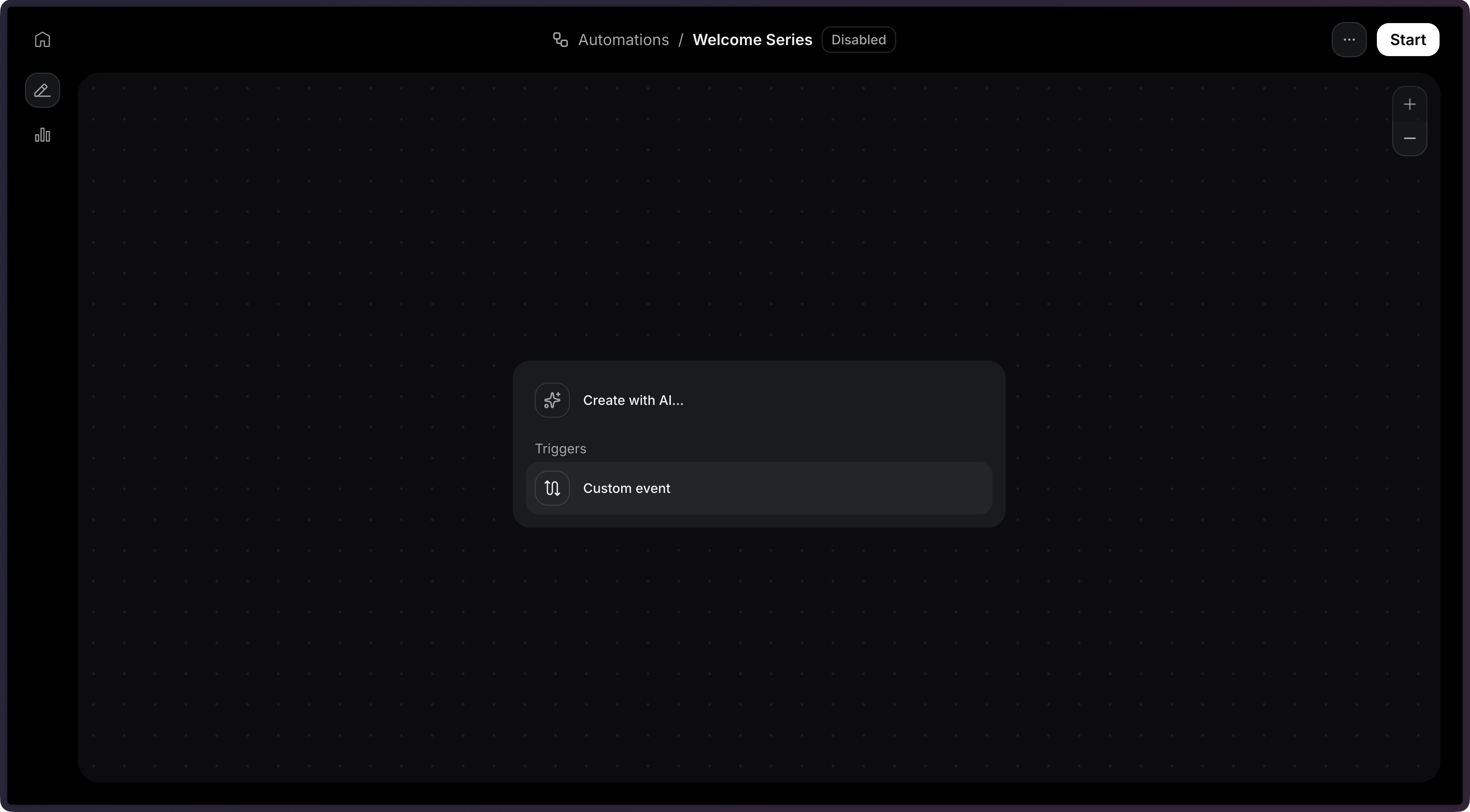 Choose an existing custom event or type a new event name.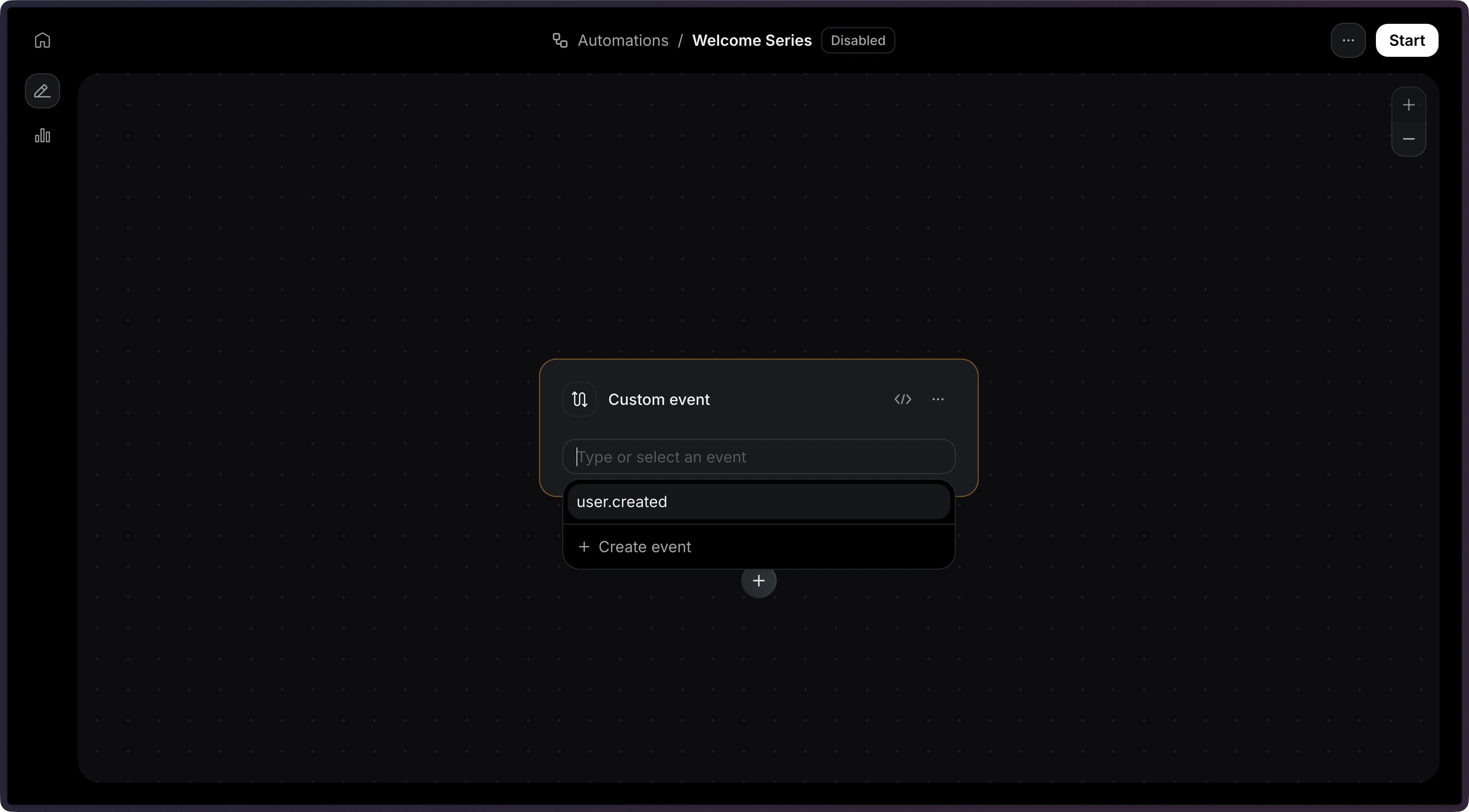
Using the API
When creating an Automation via the API, the trigger is defined as the first item in the steps array with type: 'trigger'.
Event names cannot start with the resend: prefix, which is reserved for system events.
[
](#identifying-contacts)
Identifying contacts
When sending an event to trigger an Automation, you must identify the contact using either a contact_id or an email address.
-
Using contact ID
-
Using email address
[
](#event-payload)
Event payload
You can include a payload object with your event to pass data into the Automation. This data becomes available as variables in subsequent steps in the Automation using the event.* namespace.
In this example, event.amount, event.currency, and event.retryDate would be available in email templates, conditions, and other steps. View the Send Event API reference for the full endpoint specification.
[
](#configuration)
Configuration
[
](#param-config-event-name)
config.event_name
string
required
The name of the event that triggers the automation.
{
  "key": "start",
  "type": "trigger",
  "config": {
    "event_name": "user.created"
  }
}